

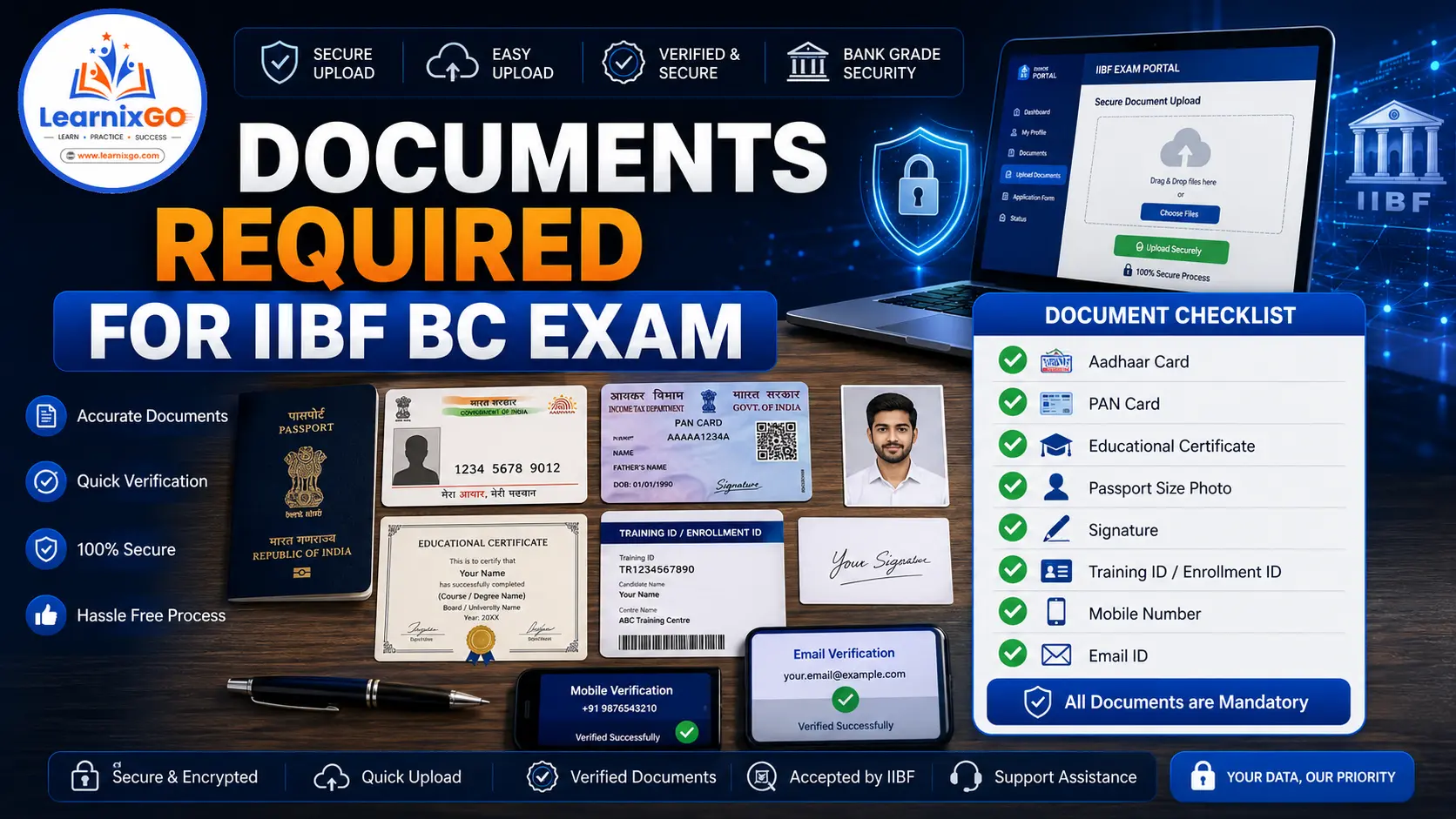
Before applying for the IIBF BC Basic or IIBF BC Advance Certification Exam, candidates should keep all the required documents ready.
Many registration applications are delayed or rejected because of incorrect or incomplete document uploads. Preparing your documents in advance will make the registration process smooth and hassle-free.
In this guide, you’ll learn:
- Complete document checklist
- Identity proof requirements
- Educational qualification documents
- Photograph & signature specifications
- Training ID requirement
- Common document upload mistakes
- Frequently Asked Questions
This guide is based on the latest IIBF BC/BF Certification Guidelines.
Why Are Documents Important?
The documents submitted during registration are used to verify the candidate’s identity and eligibility.
Incorrect or mismatched information may delay your registration or prevent you from appearing in the examination.
Always ensure that the details entered in the application form match your official documents.
Complete Document Checklist
Keep the following documents ready before starting the registration process.
| Document | Required |
| Aadhaar Card | ✅ Yes |
| PAN Card | ✅ Yes |
| Passport Size Photograph | ✅ Yes |
| Signature | ✅ Yes |
| 10th Pass Certificate / Marksheet | ✅ Yes |
| Mobile Number | ✅ Yes |
| Email Address | ✅ Yes |
| Training ID | Required before Exam Registration |
| Bank BC ID (if applicable) | Required for eligible exempted candidates |
Identity Proof
Candidates should have a valid government-issued identity proof.
Accepted documents generally include:
- Aadhaar Card
- PAN Card
- Passport
- Driving Licence
- Voter ID
The details entered during registration should match the identity document.
Educational Qualification Documents
Candidates should keep their educational documents ready.
Generally accepted documents include:
- 10th Marksheet
- 10th Pass Certificate
- Higher Qualification Certificate (if applicable)
Candidates should ensure that their name on educational documents matches their identity proof.
Passport Size Photograph
A recent passport-size photograph is required during registration.
The photograph should:
- Be clear and recent
- Show the full face
- Have a plain background
- Not be blurred
- Meet the prescribed upload specifications
Blurry or incorrect photographs may lead to rejection during verification.
Signature
Candidates must upload their signature during registration.
The signature should:
- Be clear
- Be signed on white paper
- Match the signature used during future verification
Avoid uploading:
- Initials only
- Typed signatures
- Blurred images
Mobile Number
A valid mobile number is required because candidates receive:
- Registration Updates
- OTP Verification
- Training Notifications
- Exam Information
- Important Alerts
Always use an active mobile number.
Email Address
A valid email address is mandatory.
The registered email is used for:
- Registration Confirmation
- Training Updates
- Admit Card (for eligible candidates)
- Result Notifications
- Digitally Signed Certificate
Candidates should regularly check their inbox and spam folder.
Training ID
Candidates must complete the mandatory BC training before registering for the examination.
After successful completion of training, a Training ID is issued.
This Training ID is mandatory for exam registration.
Bank BC ID (For Eligible Candidates)
According to the official guidelines, certain candidates who are exempt from mandatory training may need to provide:
- Bank BC ID
- Related supporting information
This requirement applies only to eligible candidates covered under the exemption criteria.
Document Upload Tips
Before uploading your documents:
- Check that all details are correct.
- Ensure the photograph is clear.
- Upload a readable signature.
- Use the correct file format, if specified.
- Keep scanned copies ready before starting the application.
- Double-check every upload before submitting the form.
Common Mistakes to Avoid
Avoid these common mistakes:
- Uploading a blurred photograph
- Uploading an incorrect signature
- Using an inactive email address
- Entering the wrong mobile number
- Name mismatch between documents
- Uploading incomplete or incorrect files
- Waiting until the last date for registration
Frequently Asked Questions (FAQs)
Is Aadhaar Card mandatory?
A valid identity proof is required during registration. Aadhaar is commonly used by candidates.
Is PAN Card compulsory?
It may not always be mandatory, but keeping it available is recommended if required during verification.
Is the Training ID mandatory?
Yes. After completing the mandatory training, candidates must use the Training ID while registering for the examination.
Can I use a different email address later?
It is recommended to use an active email address that you will continue to access because important updates and the certificate are sent there.
What if my uploaded photograph is unclear?
Upload a clear and recent passport-size photograph. Unclear photographs may cause issues during verification.
Conclusion
Keeping all the required documents ready before starting your IIBF BC Exam Registration can save time and help you avoid unnecessary delays. Make sure your identity proof, educational documents, photograph, signature, mobile number, email address, and Training ID are accurate and up to date. Carefully verify every uploaded document before submitting your application to ensure a smooth registration process and a hassle-free examination experience.