

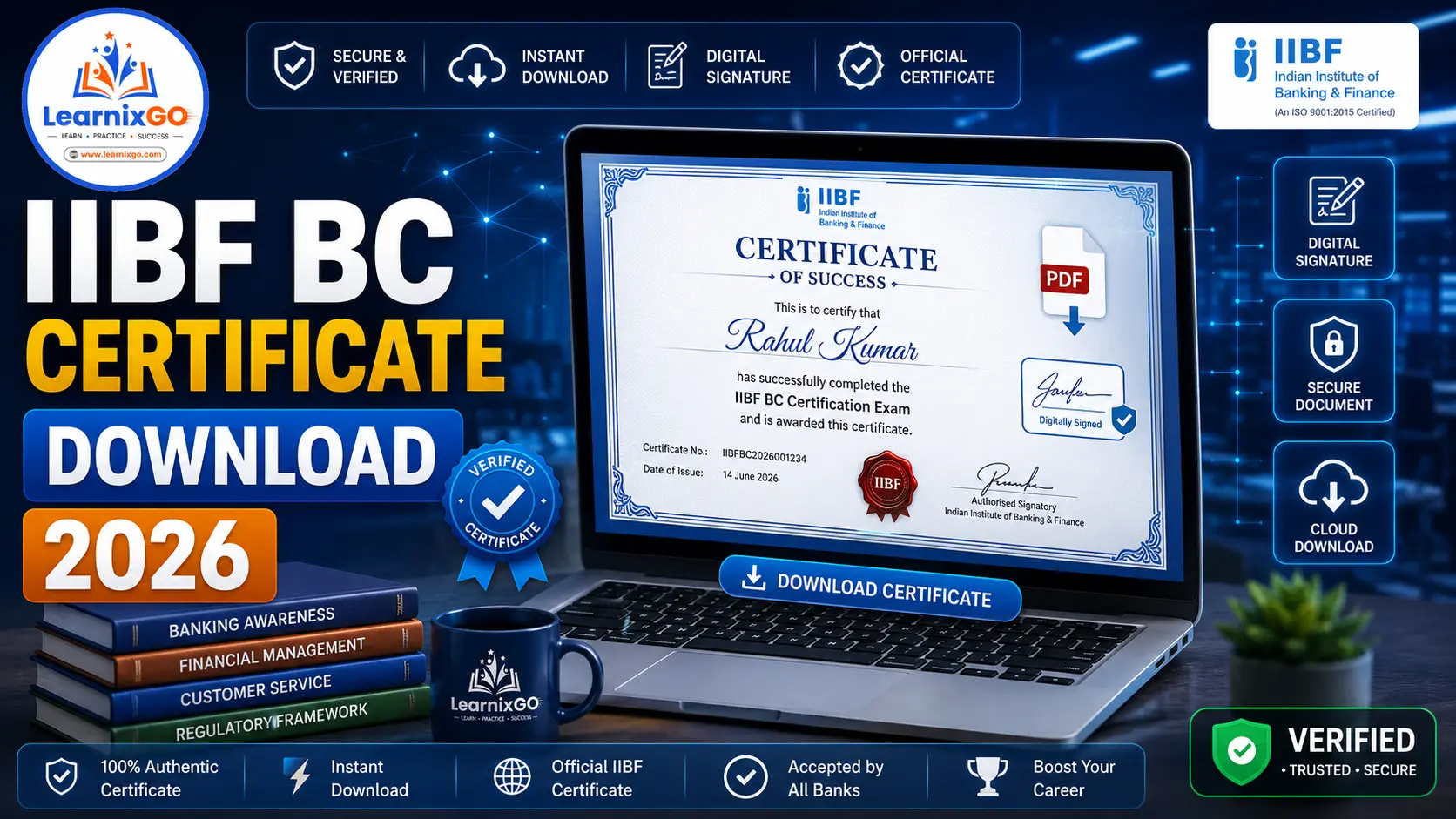
Congratulations! If you have successfully passed the IIBF BC Basic or IIBF BC Advance Certification Exam, the next important step is downloading your IIBF BC e-Certificate.
The Indian Institute of Banking & Finance (IIBF) issues a Digitally Signed e-Certificate to successful candidates. This certificate serves as proof of certification and can be used for employment, banking assignments, Customer Service Point (CSP) operations, and other professional purposes.
In this guide, you’ll learn:
- When the IIBF BC Certificate is issued
- How to download the e-Certificate
- How to receive it by email
- Duplicate certificate process
- Certificate verification
- Common issues and solutions
This article is based on the latest IIBF BC/BF Certification Guidelines.
IIBF BC Certificate Overview
| Particular | Details |
| Issuing Authority | Indian Institute of Banking & Finance (IIBF) |
| Certificate Type | Digitally Signed e-Certificate |
| Mode of Delivery | Registered Email & Online |
| Download Mode | Official IIBF Portal |
| Validity | Lifetime |
When Is the IIBF BC Certificate Issued?
According to the official guidelines:
- Candidates who successfully pass the examination receive a Digitally Signed e-Certificate.
- The certificate is generally issued within 30–45 days after the declaration of the examination result.
- The certificate is sent to the candidate’s registered email address.
How to Download the IIBF BC Certificate
Follow these simple steps to download your certificate.
Step 1
Visit the Official IIBF Website.
Step 2
Navigate to the BC/BF e-Certificate Download section.
Step 3
Enter your login credentials.
You may need:
- Registration Number
- Enter Security code
Step 4
Click on Submit.
Step 5
If your certificate has been issued, the Download Certificate option will appear.
Step 6
Download the PDF certificate.
Step 7
Save a copy on your computer and print it for future use.
Download Certificate from Registered Email
Most successful candidates receive their certificate directly on their registered email address.
After receiving the email:
- Open the email.
- Download the attached certificate.
- Save it securely.
- Keep both digital and printed copies.
Candidates should ensure that their registered email address remains active and has sufficient storage space.
Certificate Not Received?
If you have passed the examination but haven’t received your certificate:
Check Your Inbox
Look for emails from IIBF.
Check the Spam/Junk Folder
Sometimes certificate emails are filtered into the Spam folder.
Wait for the Processing Period
Certificates are generally issued within 30–45 days after the result declaration.
Contact IIBF Support
If the waiting period has passed and you still haven’t received your certificate, contact the IIBF support team for assistance.
Duplicate Certificate Process
According to the official guidelines:
Candidates who were issued a physical certificate before 1 October 2019 can apply for a Digitally Signed Duplicate Certificate by paying the prescribed fee.
Current Fee:
- ₹200 + GST
Certificate Verification
The IIBF BC Certificate is digitally signed, making it easy to verify its authenticity.
Employers, banks, and organizations can verify the certificate through the official digital verification process provided by IIBF.
Importance of the IIBF BC Certificate
After obtaining the certification, it can be useful for:
- Working as a Business Correspondent (BC)
- Customer Service Point (CSP) Operations
- Banking Outsourcing Services
- Financial Inclusion Projects
- Banking & Financial Services Careers
- Professional Skill Verification
Common Certificate Problems & Solutions
Certificate Not Available
Wait until the official processing period is completed.
Certificate PDF Not Opening
- Download the file again.
- Update your PDF Reader.
- Try another device.
Didn’t Receive Certificate Email
- Check Inbox.
- Check Spam/Junk folder.
- Verify your registered email address.
Wrong Name on Certificate
Contact IIBF immediately to request correction according to the applicable procedure.
Lost Your Certificate
If eligible, apply for a duplicate digitally signed certificate following the official process.
Tips for Candidates
- Download the certificate as soon as it becomes available.
- Save multiple digital backups.
- Store a copy in cloud storage.
- Keep a printed copy for future documentation.
- Use only the official IIBF portal for certificate downloads.
Frequently Asked Questions (FAQs)
When is the IIBF BC Certificate issued?
Generally within 30–45 days after the result declaration.
Where will I receive my certificate?
The certificate is generally sent to your registered email address.
Can I download my certificate online?
Yes. Once issued, it can also be downloaded through the official IIBF portal.
How can I get a duplicate certificate?
Candidates who received a physical certificate before 1 October 2019 can apply for a digitally signed duplicate certificate by paying ₹200 + GST.
Is the IIBF BC Certificate digitally signed?
Yes. The certificate issued by IIBF is a Digitally Signed e-Certificate.
Conclusion
The IIBF BC Certificate is an important credential for professionals working as Business Correspondents or Customer Service Point operators. After successfully passing the examination, candidates generally receive a Digitally Signed e-Certificate within 30–45 days. Download the certificate as soon as it is available, keep multiple backups, and preserve both digital and printed copies for future professional use. Following the official IIBF guidelines ensures a smooth certificate download process.